

Custom App
Follow the instructions below to create a custom app in your Shopify account and get the credentials required for configuration.Log in to Shopify
Open App settings
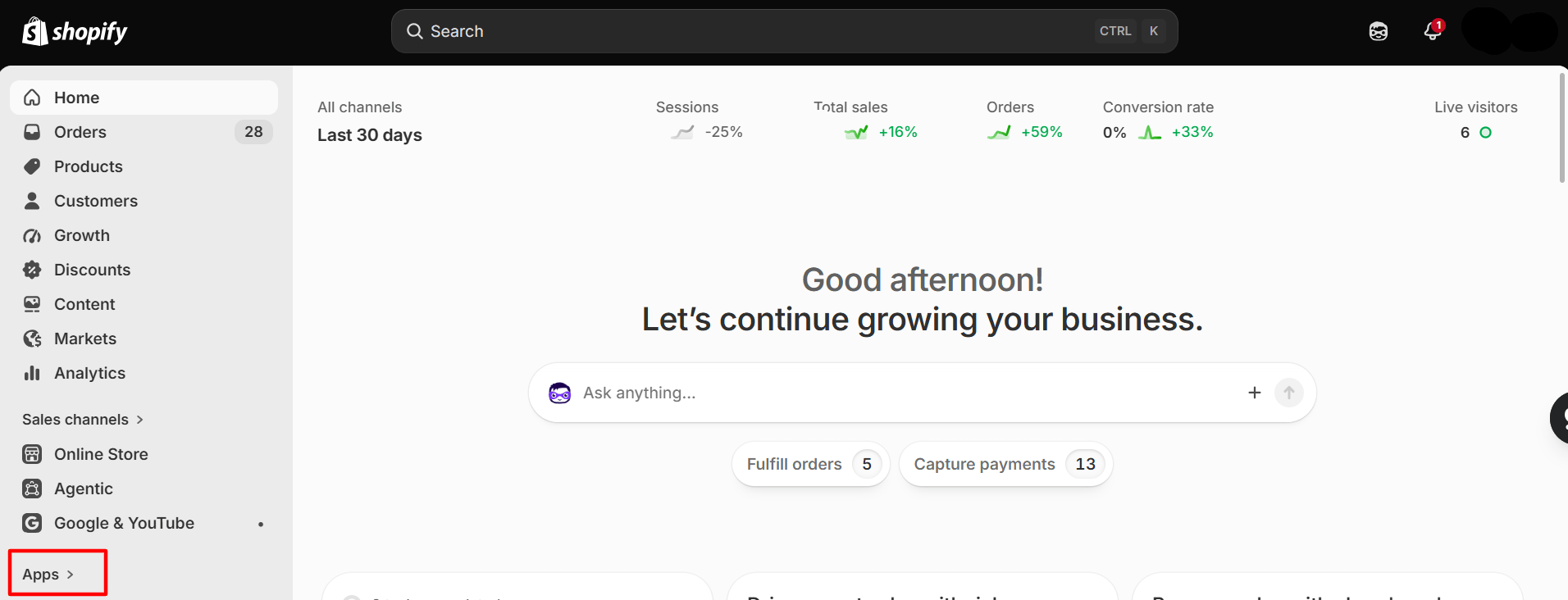
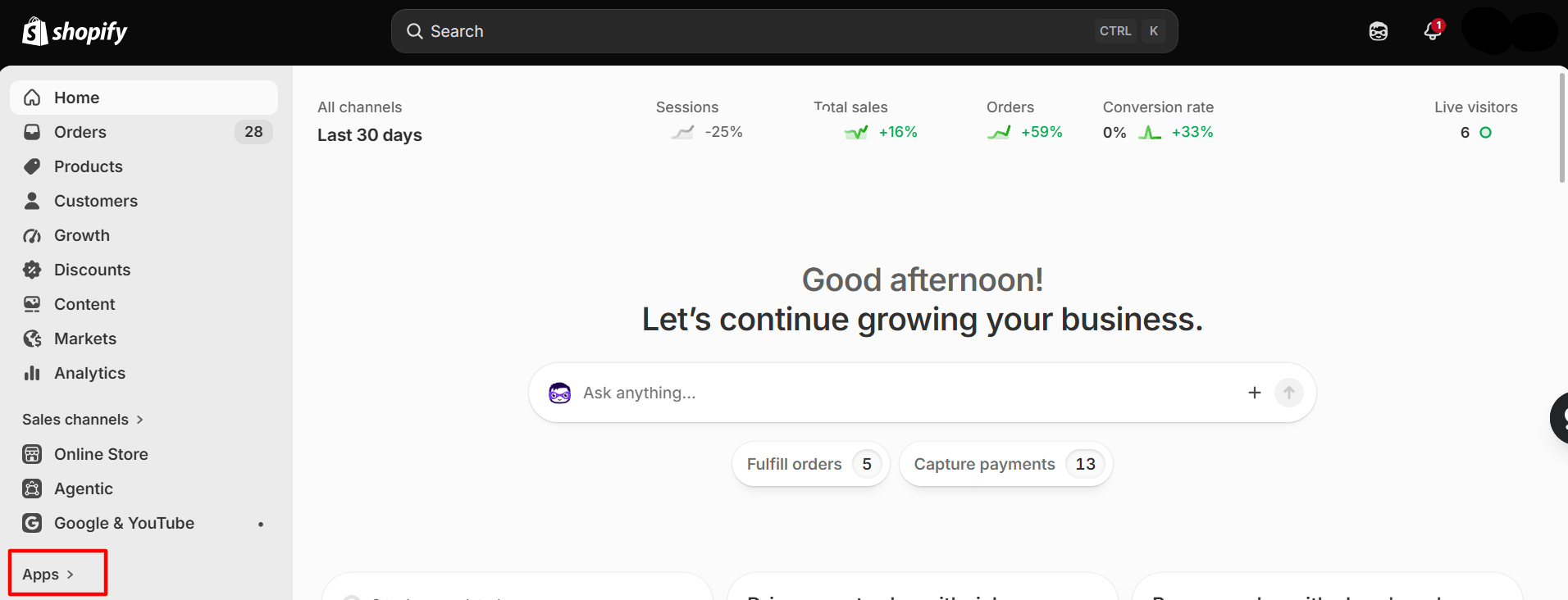
Shopify admin → Apps
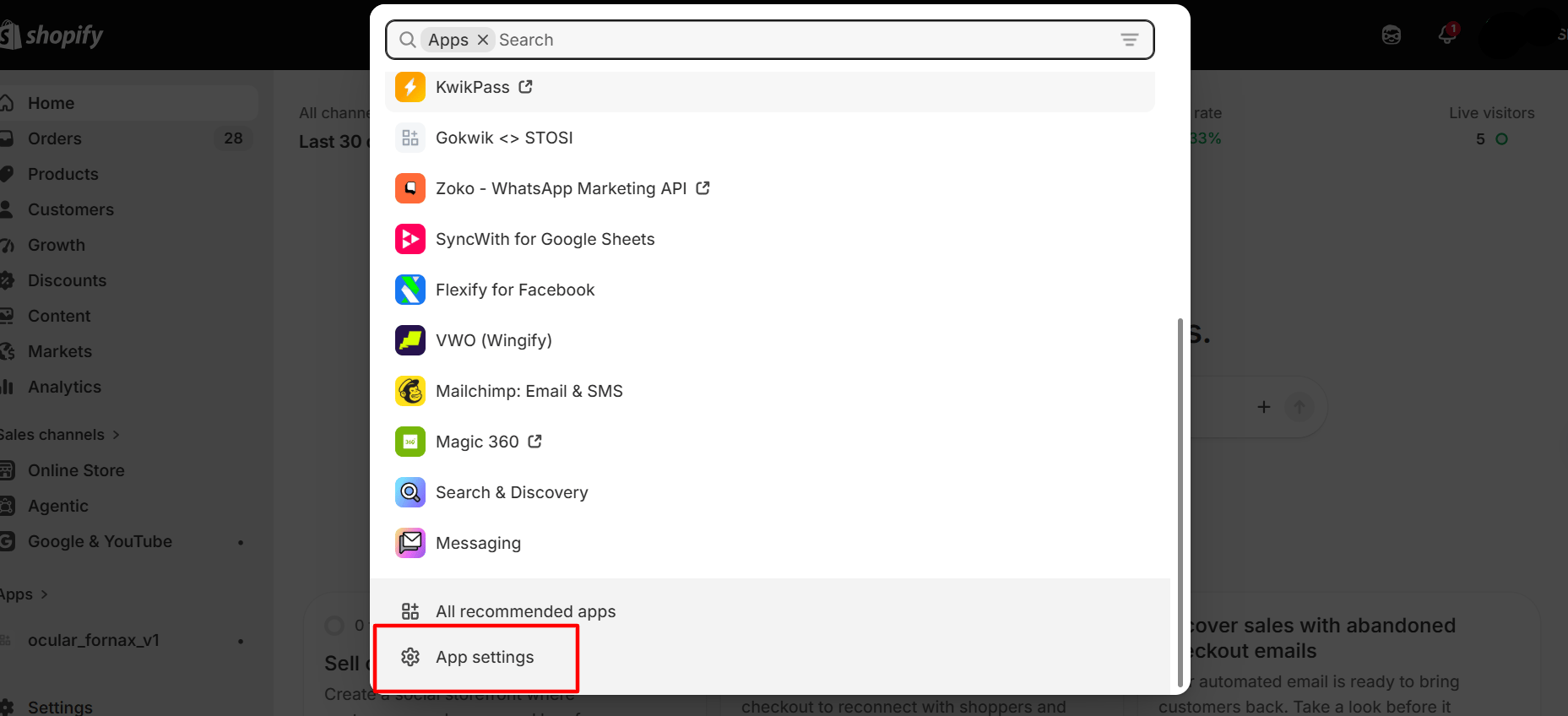
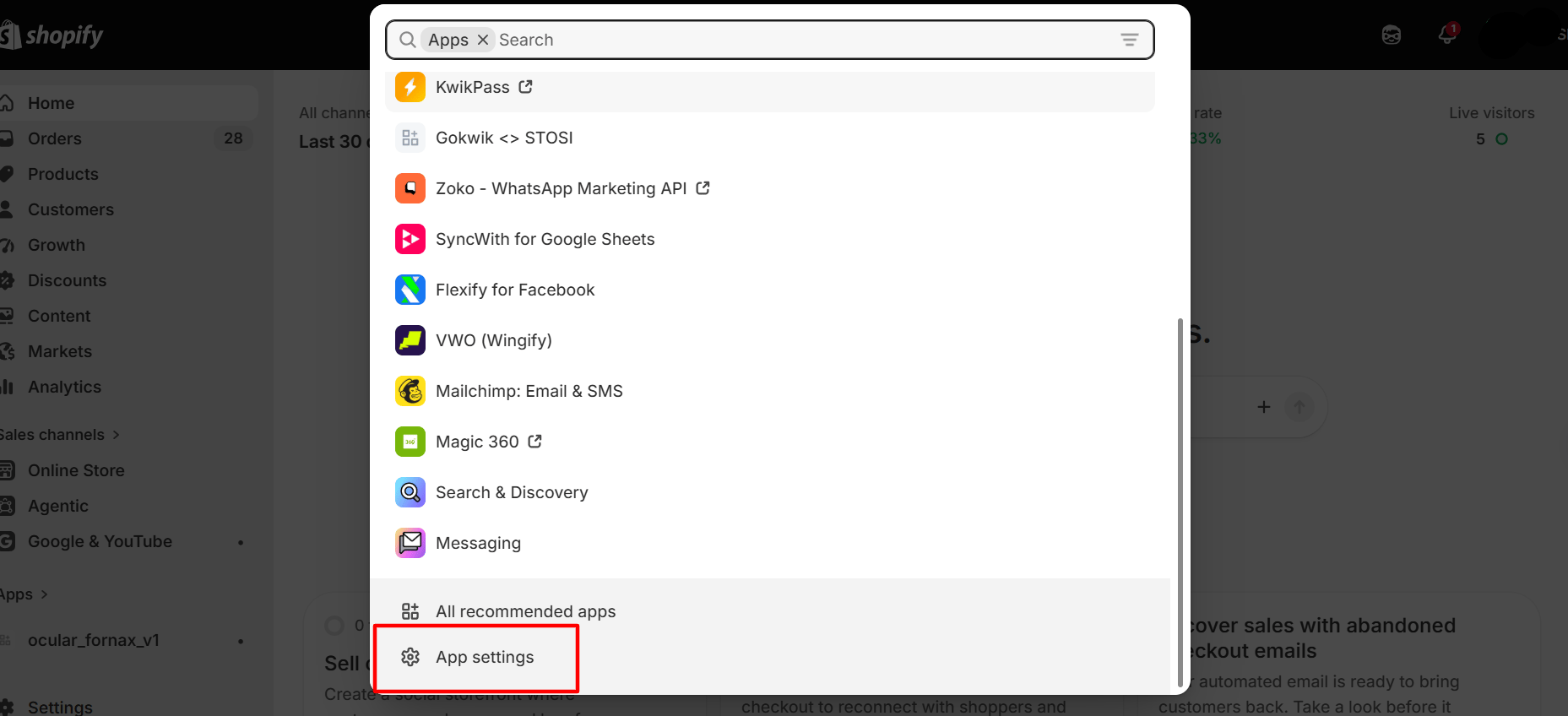
Apps → App settings
Click Develop apps
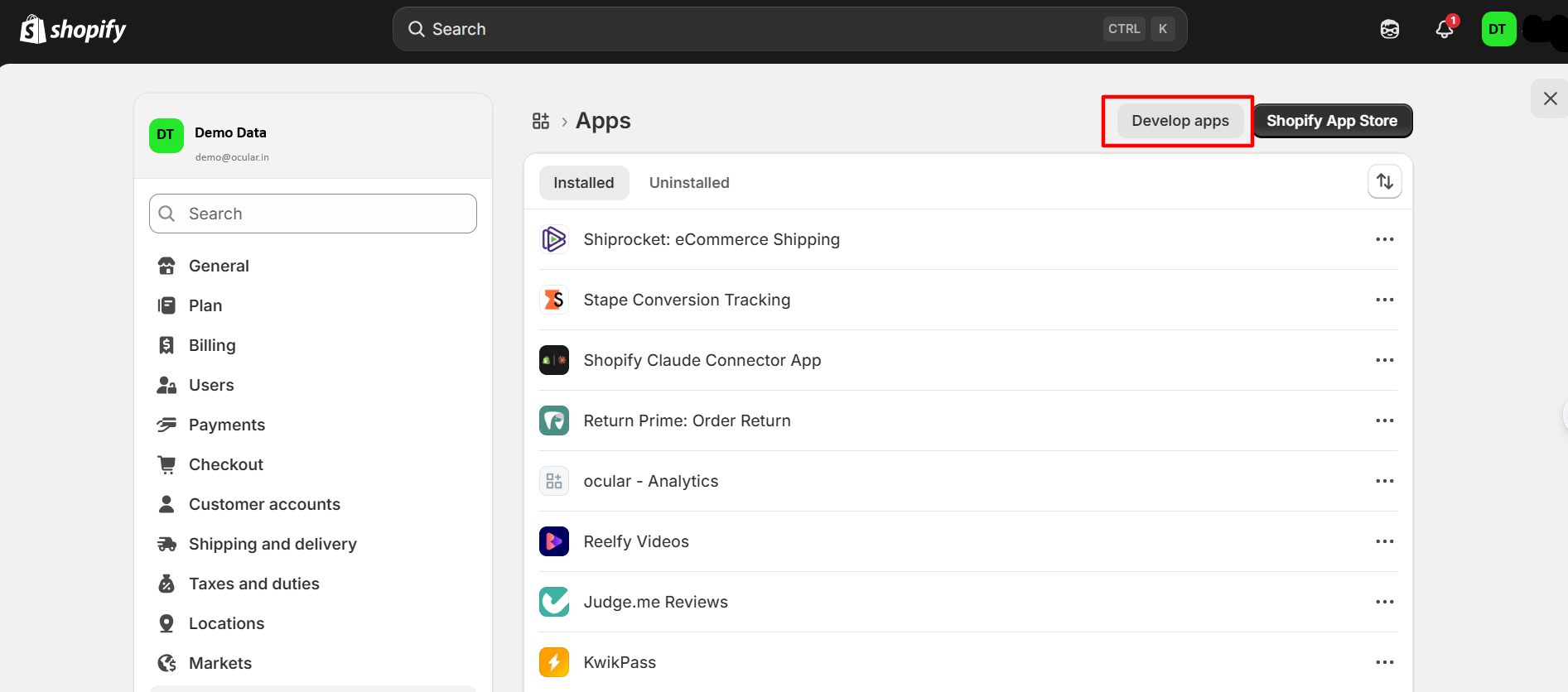
Apps → Develop apps
Click Build apps in Dev Dashboard
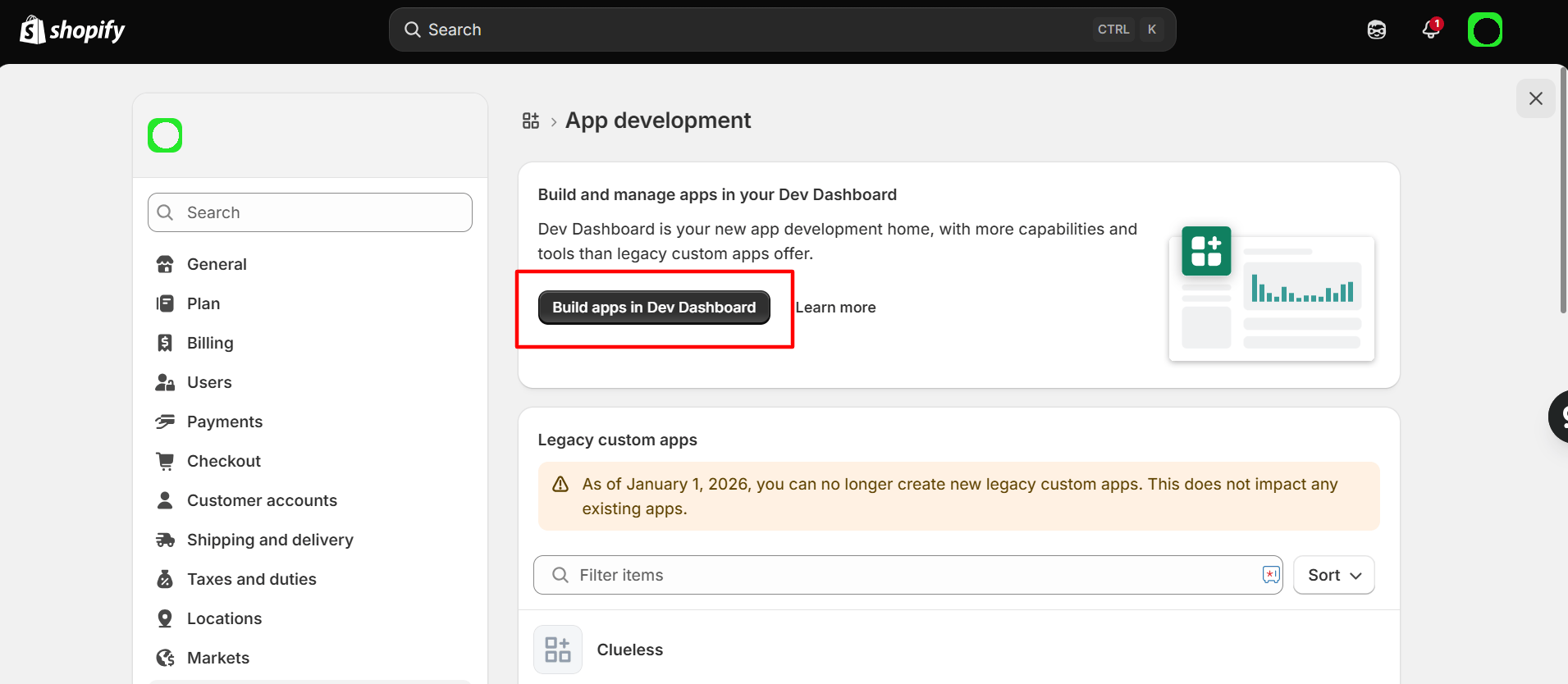
App development → Build apps in Dev Dashboard
Click Create app
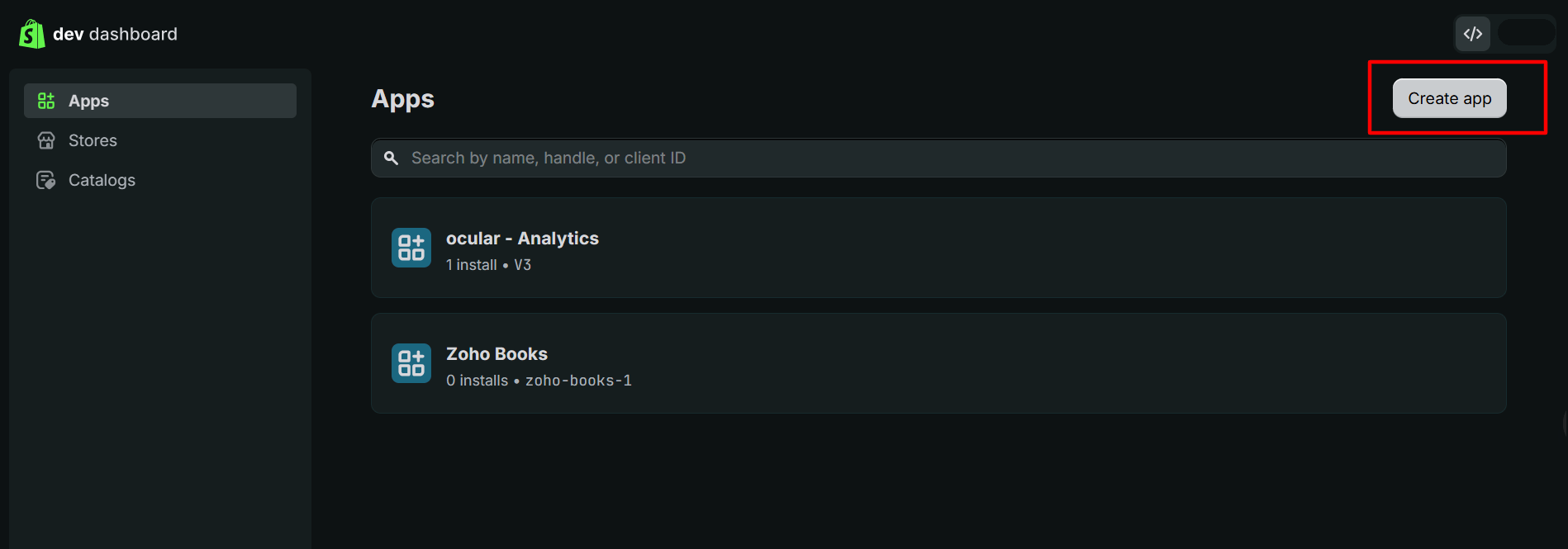
Dev Dashboard → Create app
Enter an App name e.g. ocular_v1
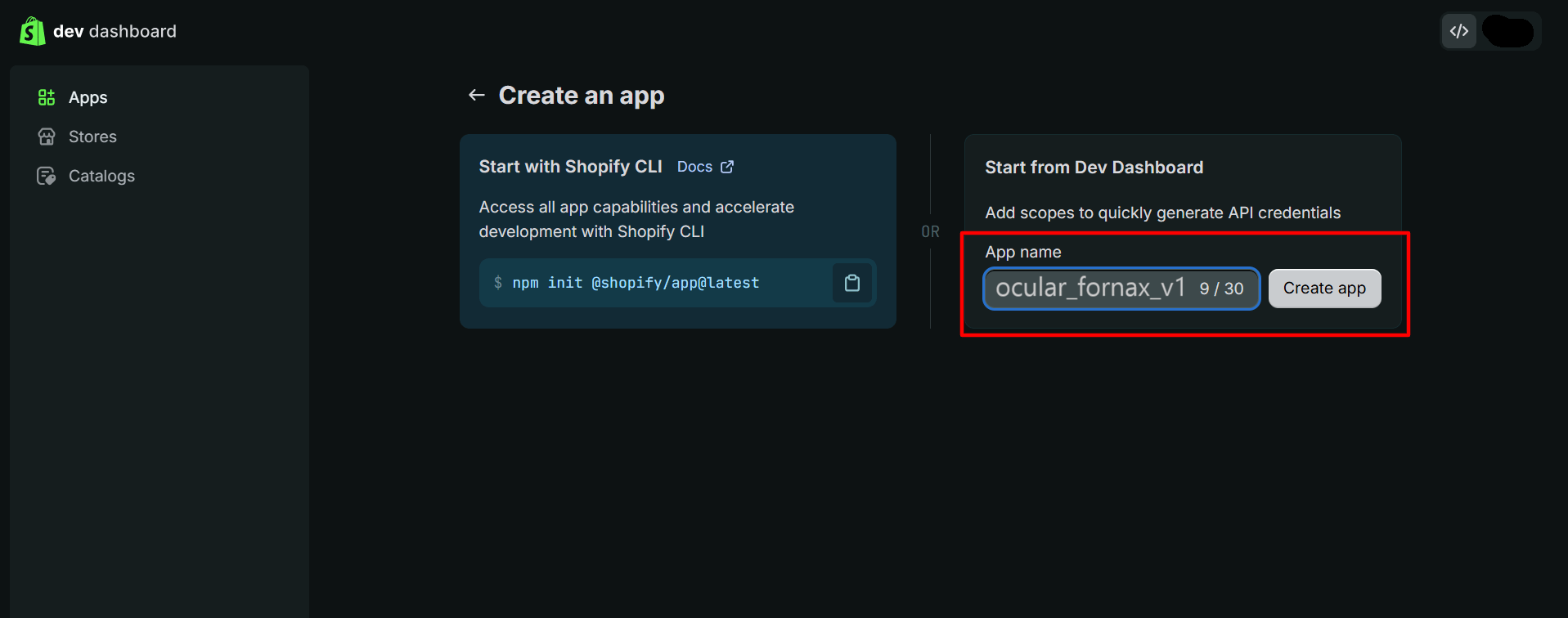
Create an app → App name
Select Scopes
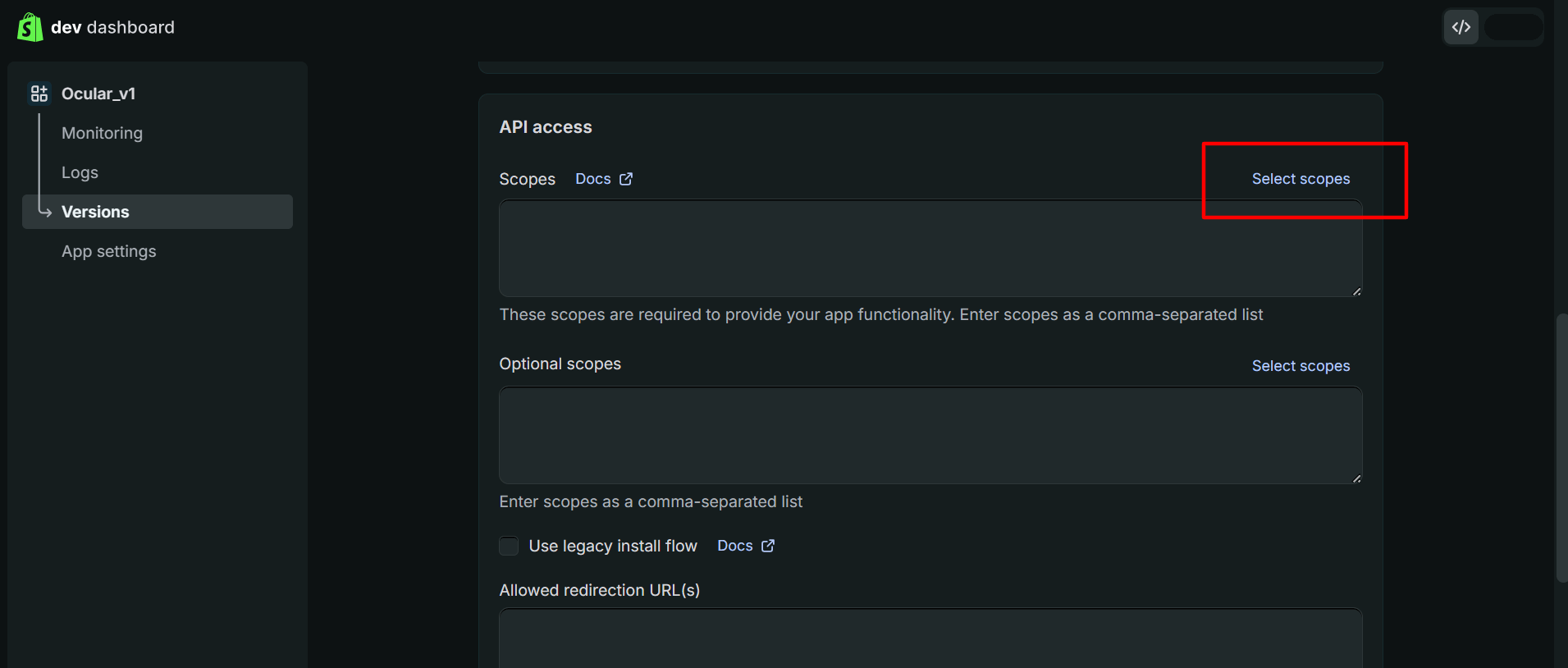
API access → Select scopes
read_analyticsread_assigned_fulfillment_ordersread_contentread_customersread_discountsread_draft_ordersread_filesread_fulfillmentsread_inventoryread_localesread_locationsread_marketing_eventsread_merchant_managed_fulfillment_ordersread_ordersread_price_rulesread_product_listingsread_productsread_publicationsread_reportsread_resource_feedbacksread_returnsread_script_tagsread_shippingread_shopify_payments_accountsread_shopify_payments_disputesread_shopify_payments_payoutsread_themesread_third_party_fulfillment_ordersread_translations
read_gift_cards and read_users scopes are available only for Shopify Plus accounts. To sync data from the GIFT_CARD and USER tables, contact Shopify Support to enable these scopes for your account.Click Release
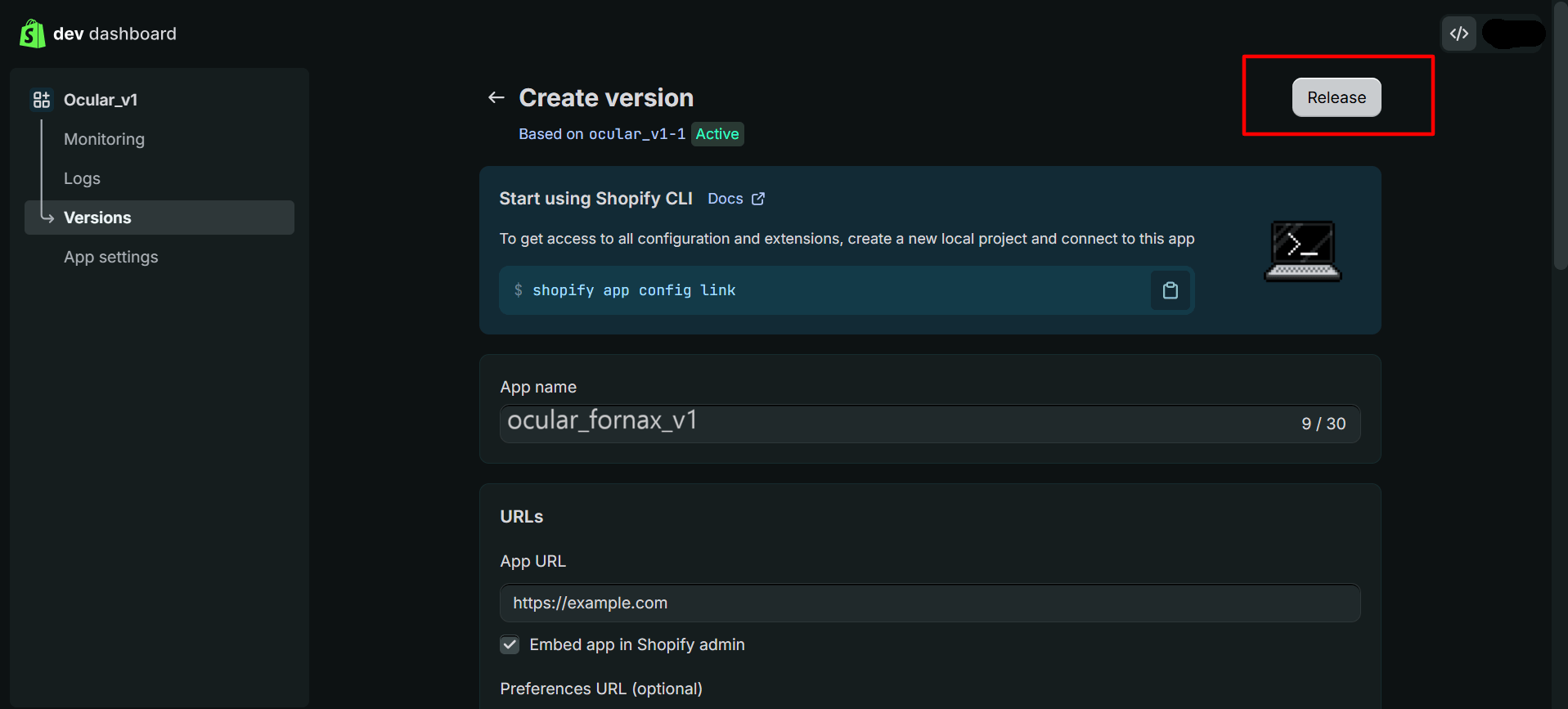
Create version → Release
Give a version name and release
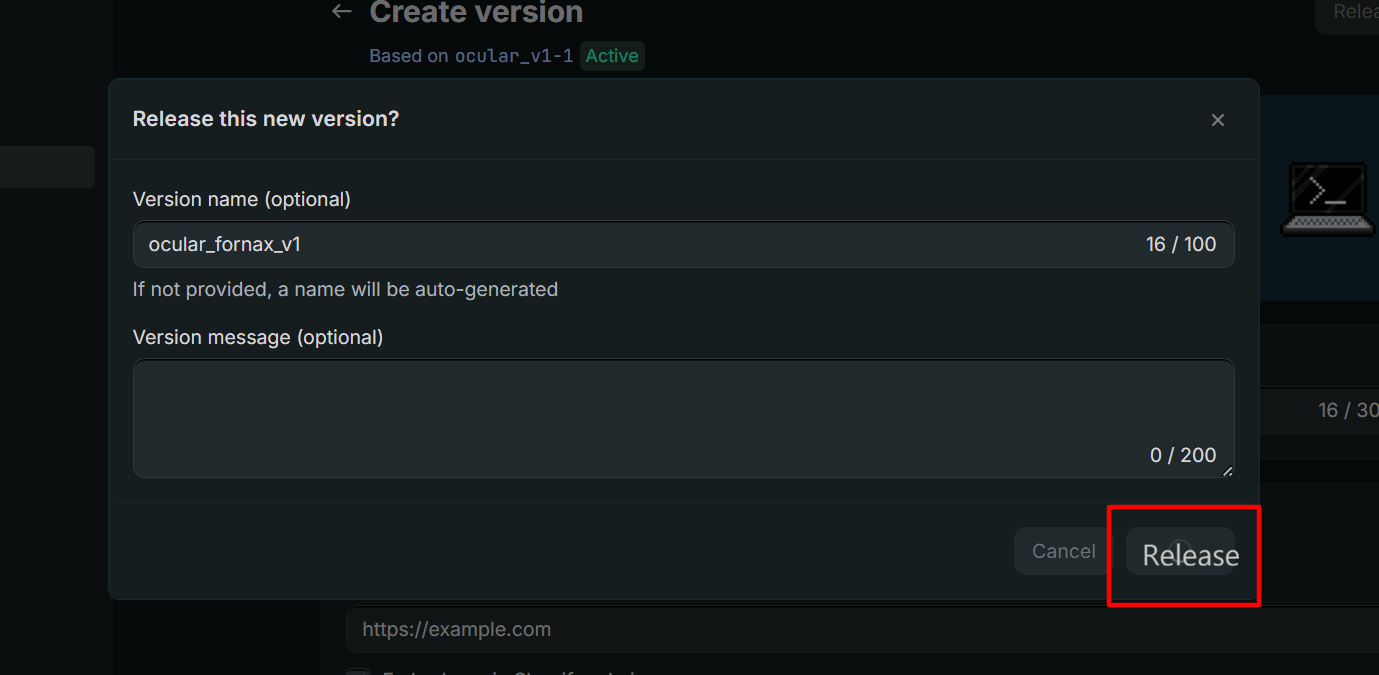
Release this new version?
Install App
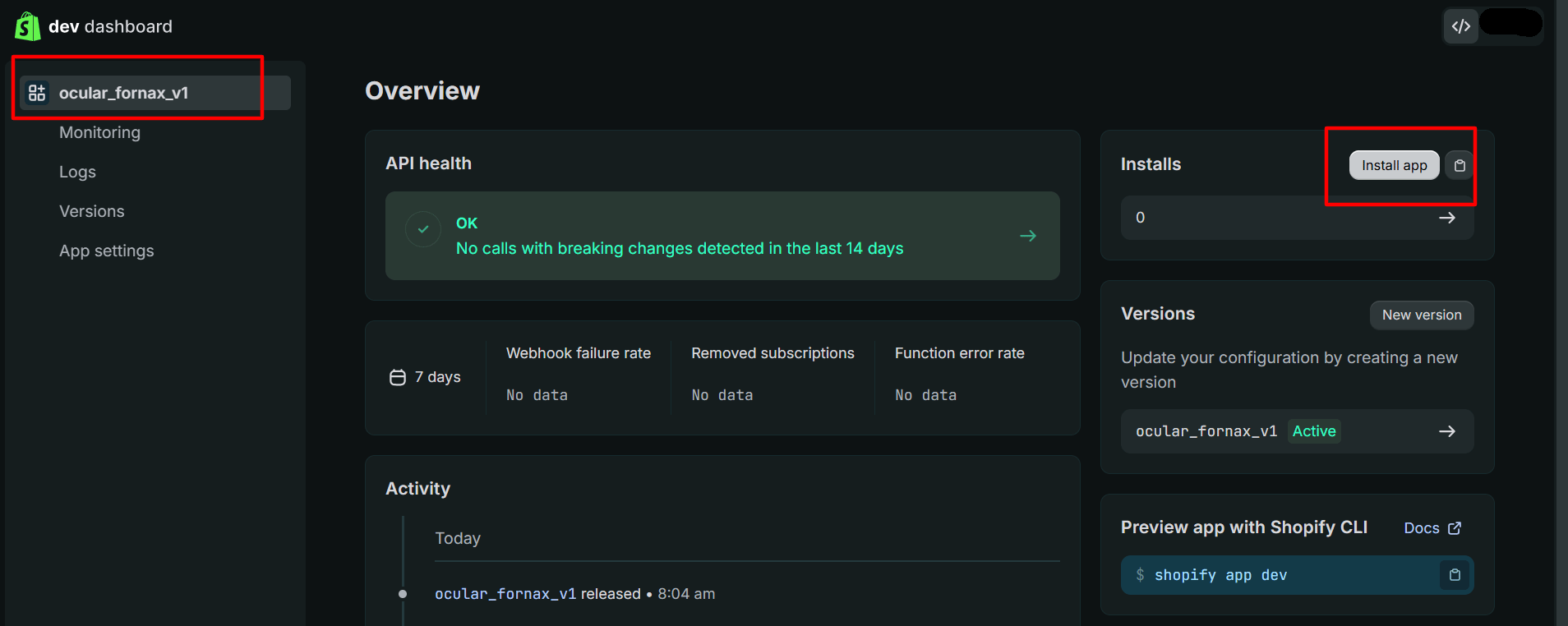
App overview → Install app
Select your brand name
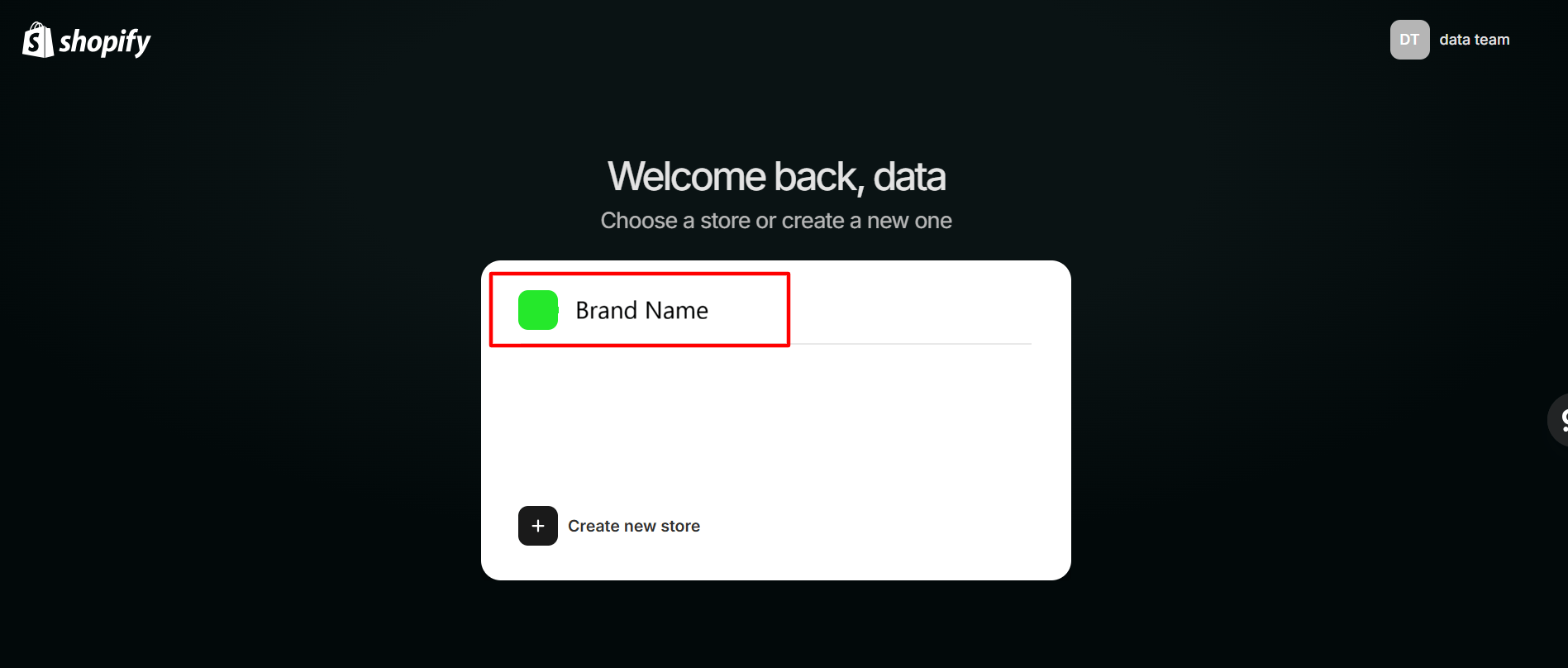
Choose a store → Brand name
Install the app
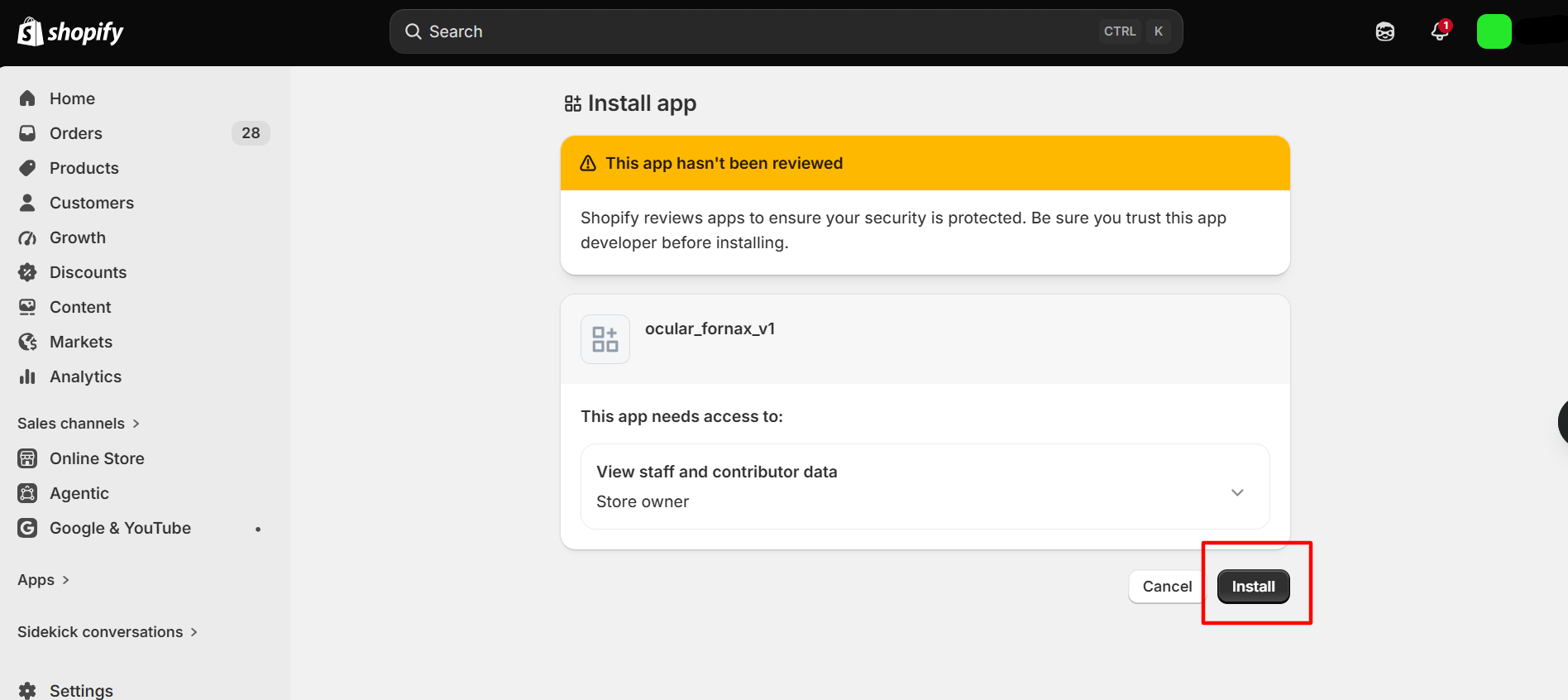
Install app → Install
Copy the Client ID and Secret
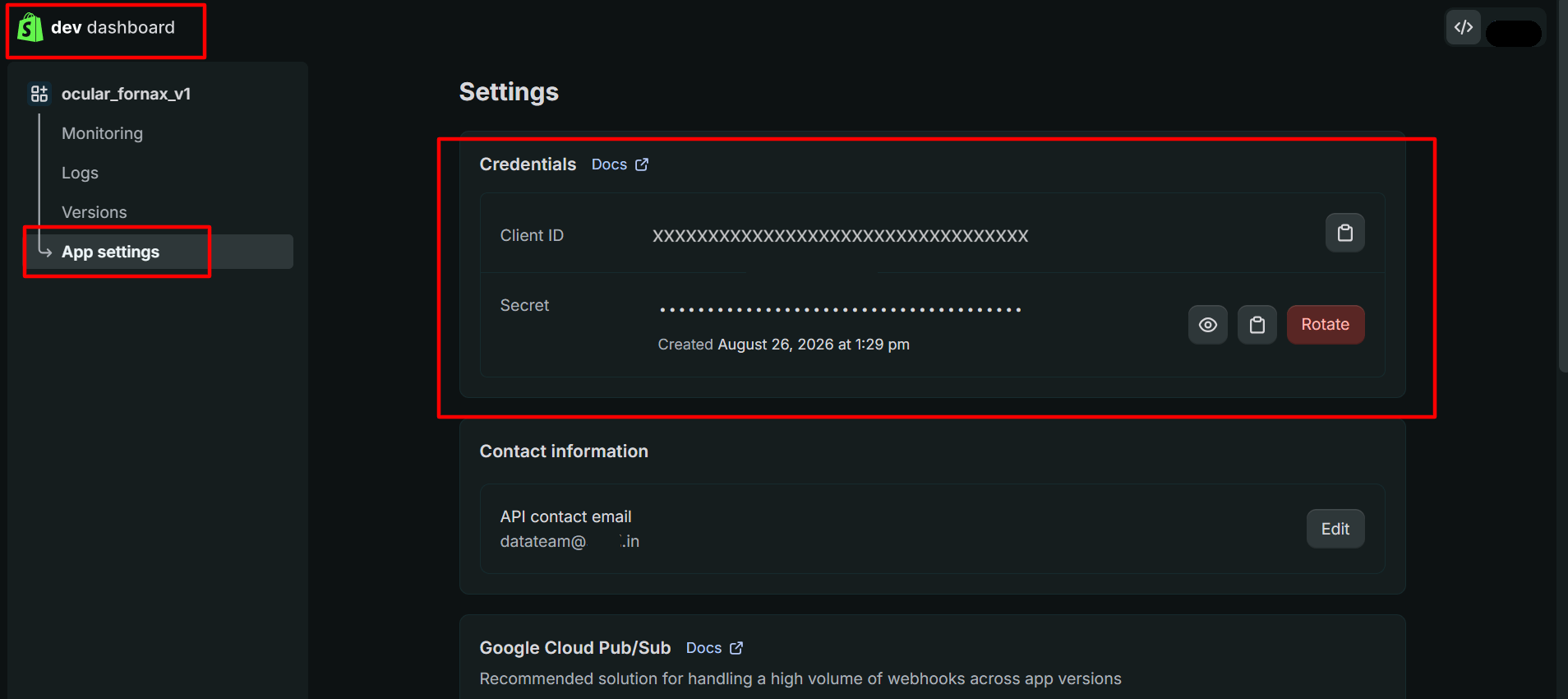
App settings → Credentials
Make a note of the credentials
Ocular App
Open the connector form
Fill in the fields
- Connector Name (free-form)
- Connector Identifier
- Start Date (YYYY-MM-DD) : this defines how far back in time Ocular should pull data from your Shopify store. Choose a date from which you want to begin analyzing your data.
- Lookback Days : the number of past days from which data will be fetched during synchronization. This ensures that recent historical data is included and kept up to date. The default setting is 30 days.
- Shop URL : You can find your shop name immediately before
.myshopify.comin your Shopify URL. For example, if your URL isshopname.myshopify.com, then your shop name isshopname. - Client ID
- Client Secret
Authorize with Shopify
Enter your Client ID and Client Secret
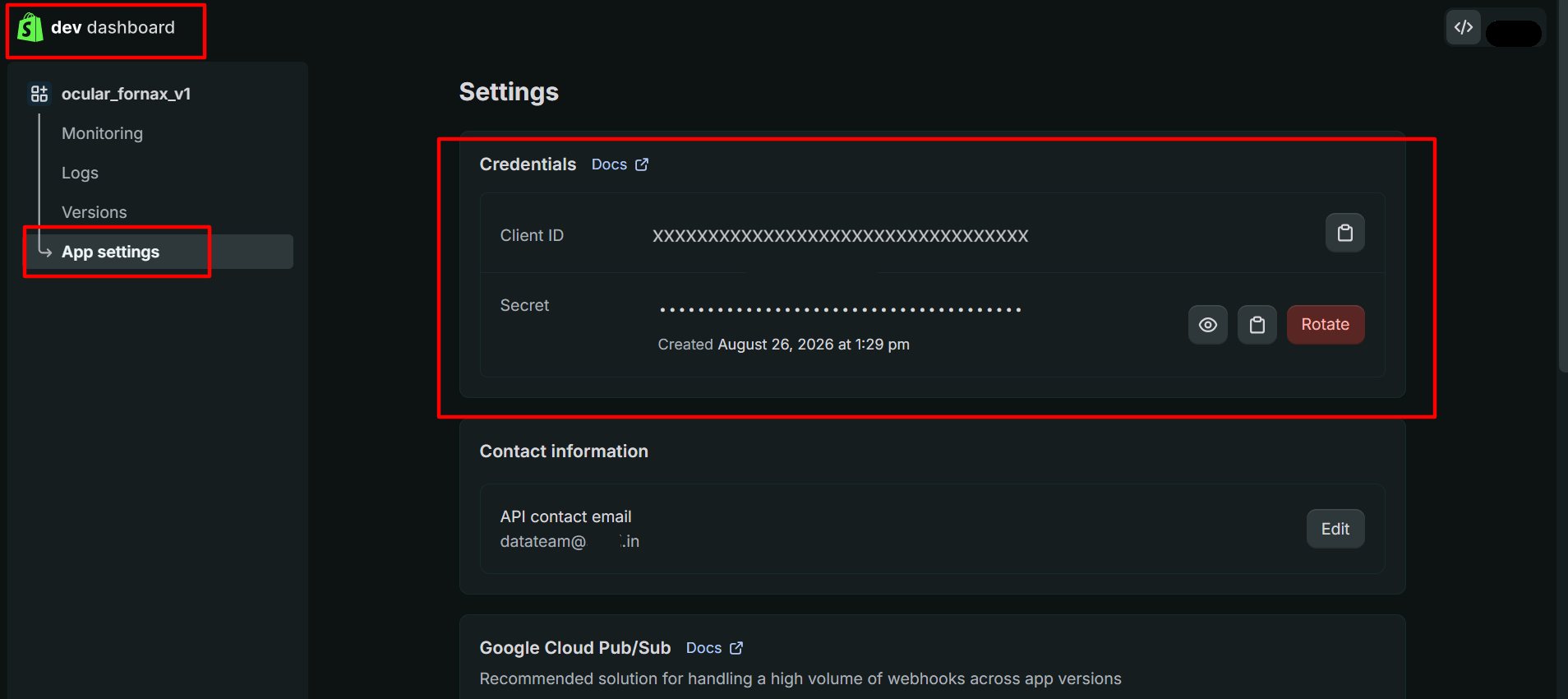
App settings → Client ID and Secret
Click Connect