

Dashboard
Start here
What is Ocular
Quick orientation — what Ocular does, who it’s for, and how it differs from generic BI.
Setting up your workspace
The three-step setup: create a brand, connect sources, see your first dashboards populate.
Implementation checklist
Level 1 / 2 / 3 data readiness — what to connect at each level and what unlocks.
Working with the Ocular team
Support channels, response times, and how to file a ticket that gets resolved fast.
Choose your path
Pick the role that’s closest to yours — each path is a curated reading order through the docs.Operators
Founders, CXOs, heads of ecommerce. P&L, channel profitability, inventory, pricing.
Growth & marketing
Performance marketers, growth leads, creative teams. Spend allocation, attribution, creatives.
Data & analytics
Analysts and data teams. Table schemas, naming conventions, Chart Builder.
Get answers fast
When you open Ocular with a specific question in mind, jump straight to the right module.Start with the question
Real triggers mapped to the right module — margin looks wrong, ROAS doesn’t match Shopify, creatives feel stale.
Salient features
What sets Ocular apart for multi-channel commerce and why it works in South Asian markets.
Core sections
Connect Your Data
Supported integrations, setup guides, and what to do when an integration isn’t available yet.
Use Your Data
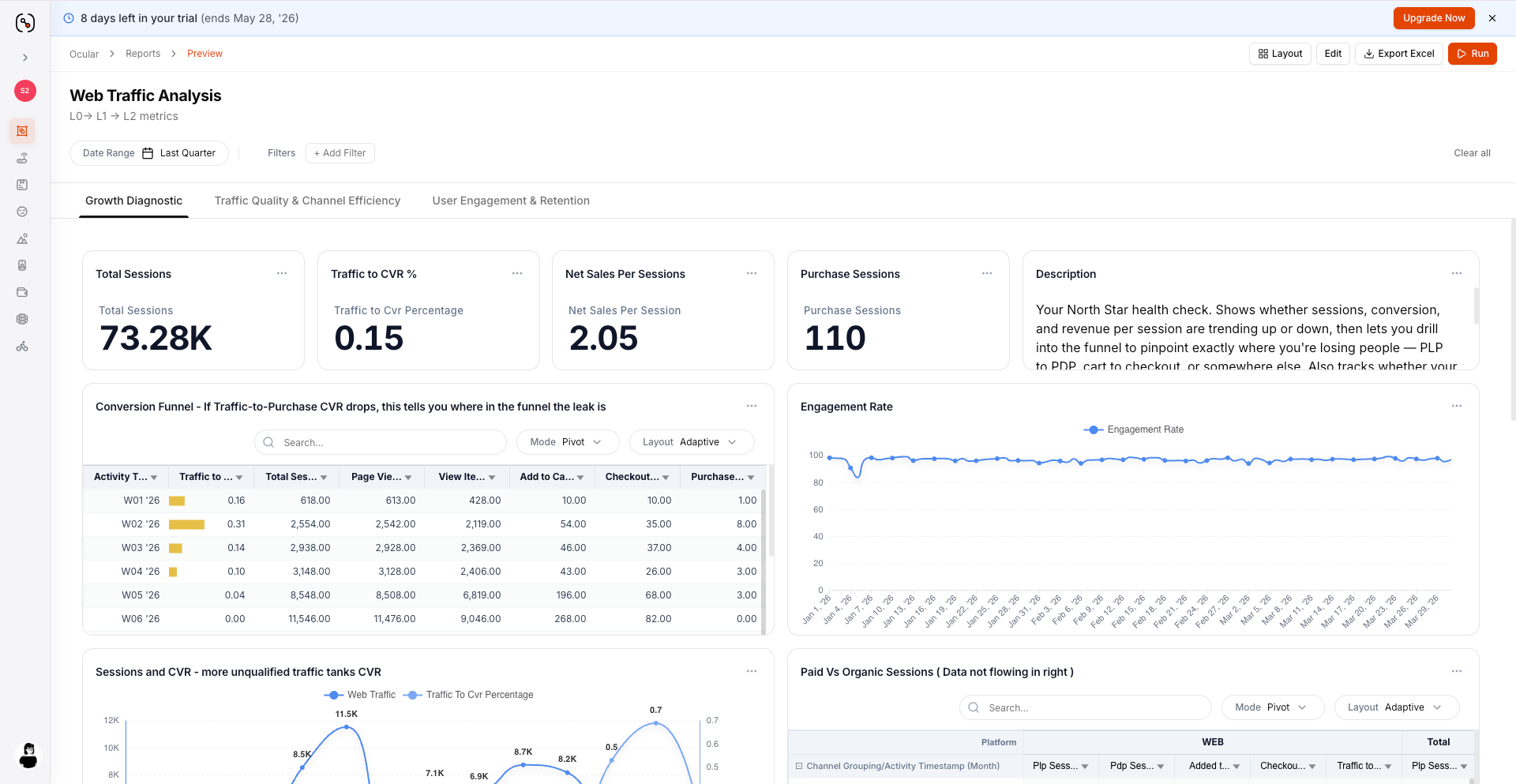
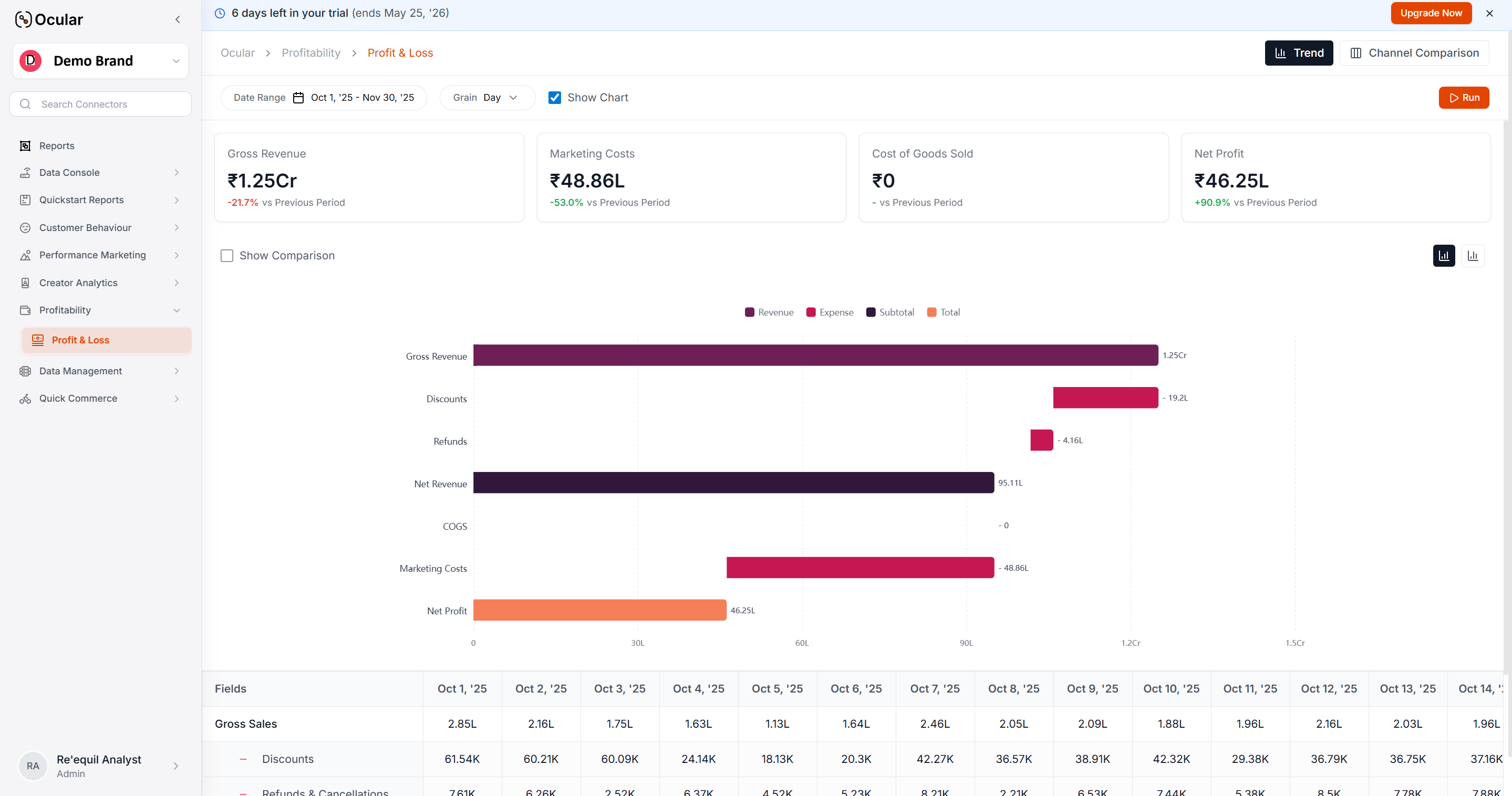
Dashboards and reports — P&L, Sales Performance, Marketing, Creative Deep Dive, Cohorts.
Data Dictionary
Canonical metrics, dimensions, table schemas, and naming conventions.
Attribution & MTA
UTM setup, attribution philosophy, and how Ocular picks the winning source.
Admin & access
Settings & permissions
Users, groups, and roles — everything you need to administer Ocular for a team.
Working with the Ocular team
Slack channels, email, and the request patterns that get resolved fastest.
Help & support
FAQs
Common questions across dashboards, data freshness, reconciliation, and account management.
Contact support
Reach us via Slack or support@ocular.dev.
New to Ocular? Start with What is Ocular for a five-minute orientation, then jump to Setting up your workspace when you’re ready to implement.