

Unified semantic layer
One place to ask questions of your commerce data. Every metric and dimension is defined once and used consistently across the P&L, Marketing report, Cohorts, Chart Builder, and any custom dashboard. “Net revenue”, “sales channel”, and “valid order” mean the same thing everywhere — across Shopify, Blinkit, Zepto, and every other connected source. The underlying infrastructure, ingestion pipeline, and storage stay invisible; you query the semantic layer, and that’s it.Why this matters: Most analytics tools force teams to assemble the truth from multiple dashboards, each with its own definition of “revenue” or “customer”. Ocular’s semantic layer is the truth — so cross-functional conversations stop being about whose number is right.
Lakhs and crores number formatting
Ocular displays numbers in lakhs (1,00,000) and crores (1,00,00,000) across every chart, dashboard, KPI card, and export — alongside the standard million/billion format. Pick whichever matches how your team actually talks about revenue.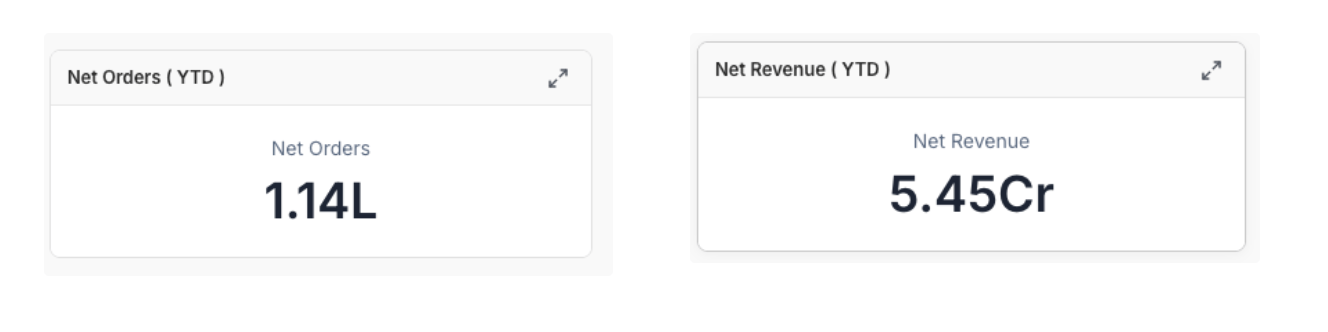
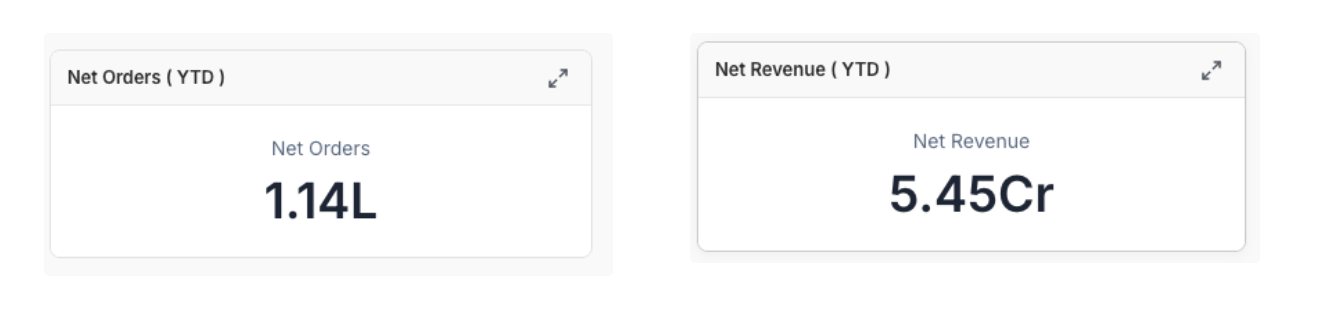
KPI card in lakhs / crores format
Financial year calculations
Set your fiscal year start month once. Every date-based calculation — YTD, QoQ, YoY, fiscal-quarter rollups — automatically aligns to that calendar.April – March
India, UK, Singapore
January – December
United States
July – June
Australia
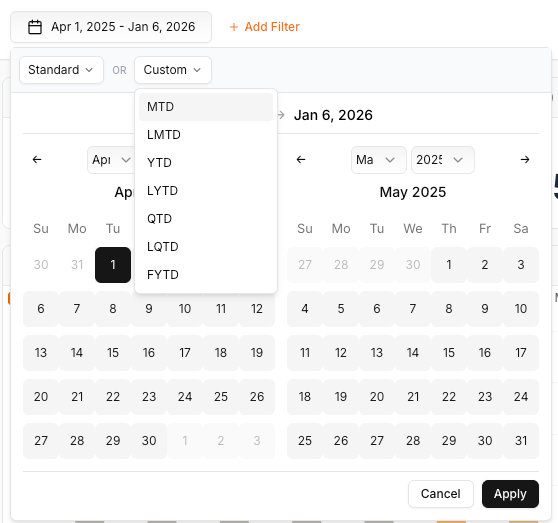
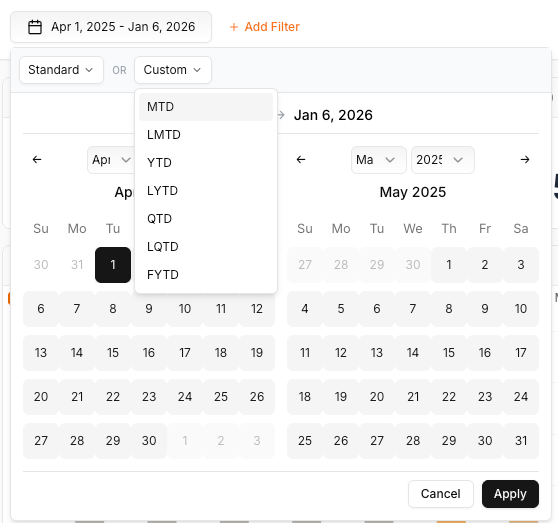
Financial year setting
Automatic fiscal periods
YTD, quarterly, and annual metrics roll up to your fiscal calendar.
Aligns with finance
Matches how your finance team actually reports numbers.
No manual date filters
No need to rebuild date ranges for fiscal reporting.
Multi-entity friendly
Different fiscal calendars per entity, when needed.
UTC time-zone standardization
Commerce data arrives from systems that each record timestamps in their own time zone. Ocular converts every timestamp to UTC at ingestion, stores it in UTC, and displays it in your configured time zone. The conversion is invisible — but it’s what makes cross-platform comparisons trustworthy. Without it, you get:Split daily aggregations
Daily numbers fall on different calendar days depending on the source.
Misaligned attribution
Attribution drifts between ad platform and storefront.
Inaccurate trends
Hour-by-hour and day-over-day comparisons drift.
Broken cross-channel rollups
Channels can’t be directly compared.
Period comparison in pivot tables
Every pivot table has a comparison toggle that:Auto-selects prior period
Previous week, month, quarter, or year — based on your current selection.
Variance for every cell
Absolute and percentage variance shown alongside each value.
Custom comparison windows
Any custom range when the default doesn’t fit.
Consistent indicators
Positive/negative cues match across every chart.
Problem-driven quickstart
Most BI products give you a feature tour. Ocular’s Start with the question is structured around real triggers — “my margin looks wrong”, “a campaign is bleeding spend”, “returns are climbing”, “a courier keeps failing” — and routes each one to the right module and decision.Modules generic BI doesn’t have
Creative Deep Dive
Ad performance broken down by copy element — title, body, description, creative asset. Build briefs grounded in patterns, not gut feel.
P&L Waterfall
Gross Revenue down to Contribution Margin, step by step. Switch to Channel Comparison for a side-by-side view.
Purchase Retention Cohort
Built-in CAC payback, LTV per cohort, and split-by acquisition channel, discount code, or geography — no SQL.
User Activity Cohort
Event-based retention (add-to-cart, session start) as a leading indicator of purchase retention.
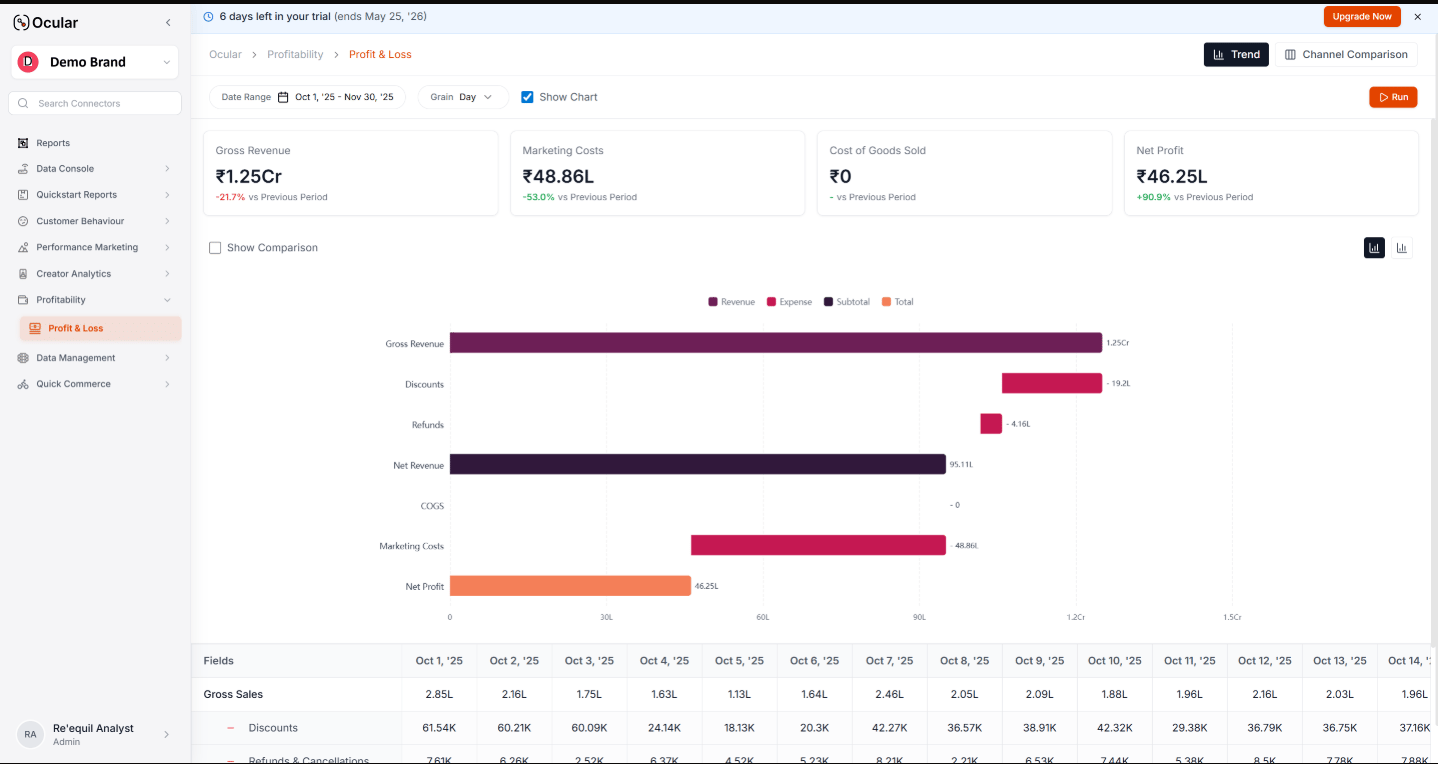
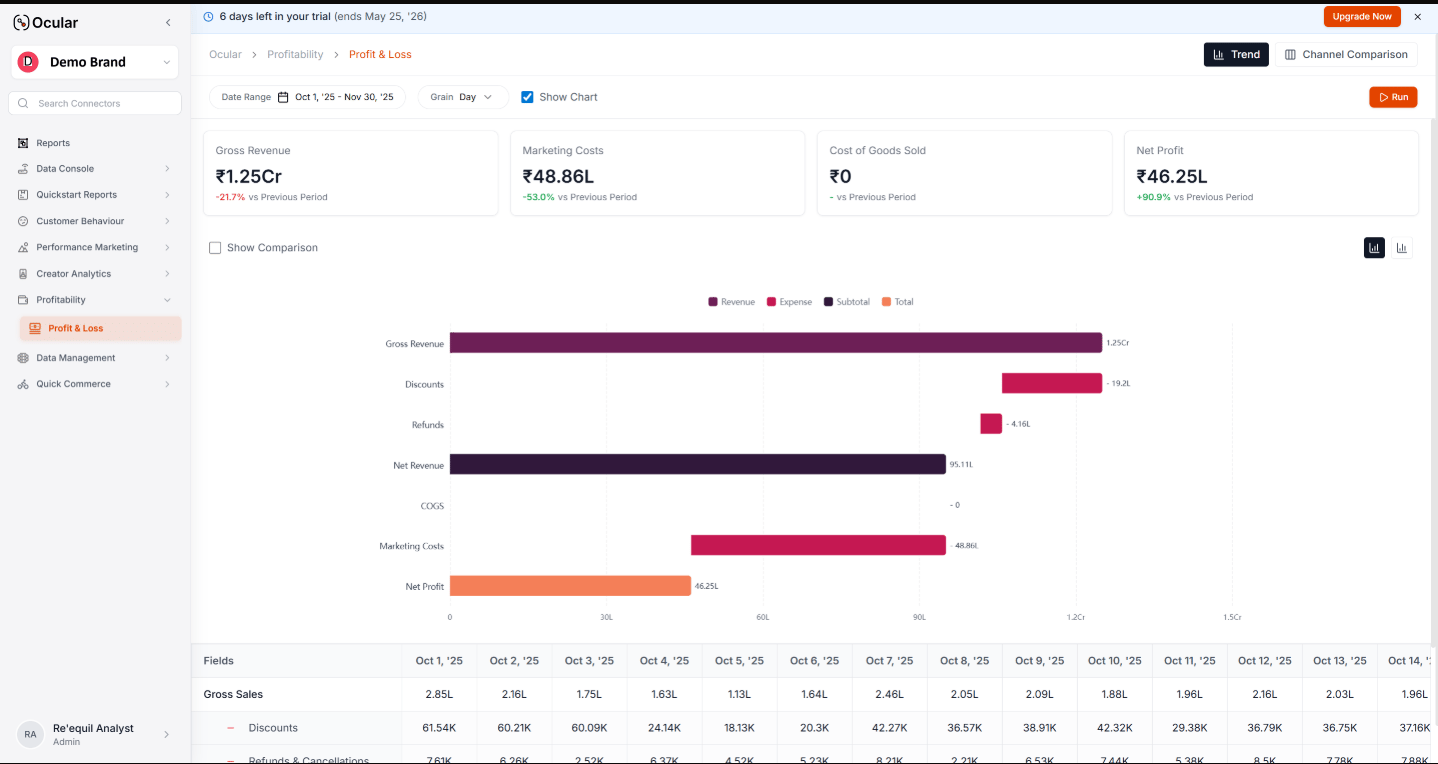
P&L Waterfall view
Indian commerce stack as a first-class citizen
The integration catalogue is built around the platforms Indian D2C brands actually run on.- Live today
- In development
DTC storefronts
Shopify
Quick commerce
Blinkit, Zepto, Instamart (plus seller-reporting and ads-reporting variants)
Paid media
Meta Ads, Google Ads
Web analytics
Google Analytics 4
Order management
Unicommerce, EasyEcom, Ease Commerce
Checkout
GoKwik
Logistics
Shiprocket, Clickpost
Returns
Return Prime
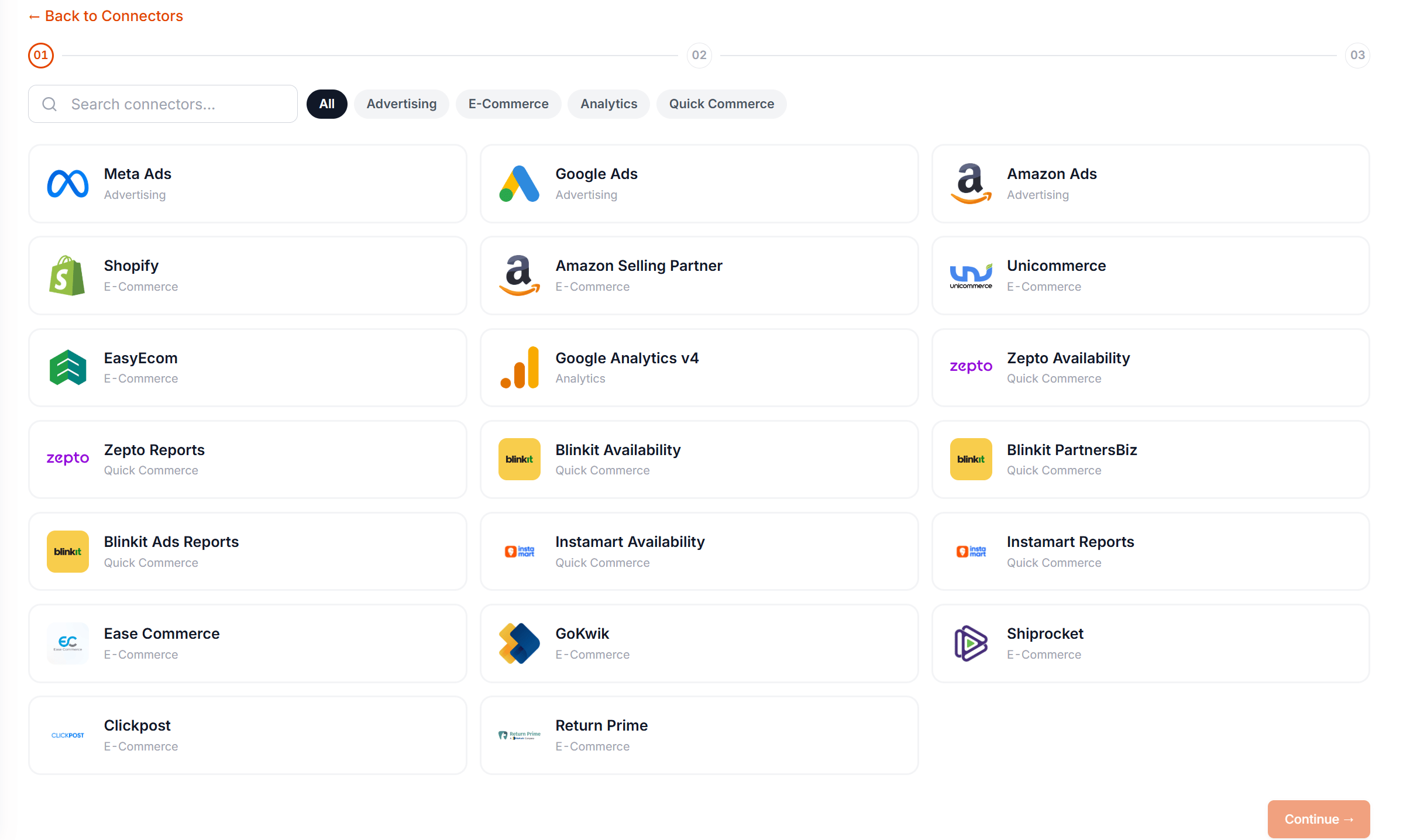
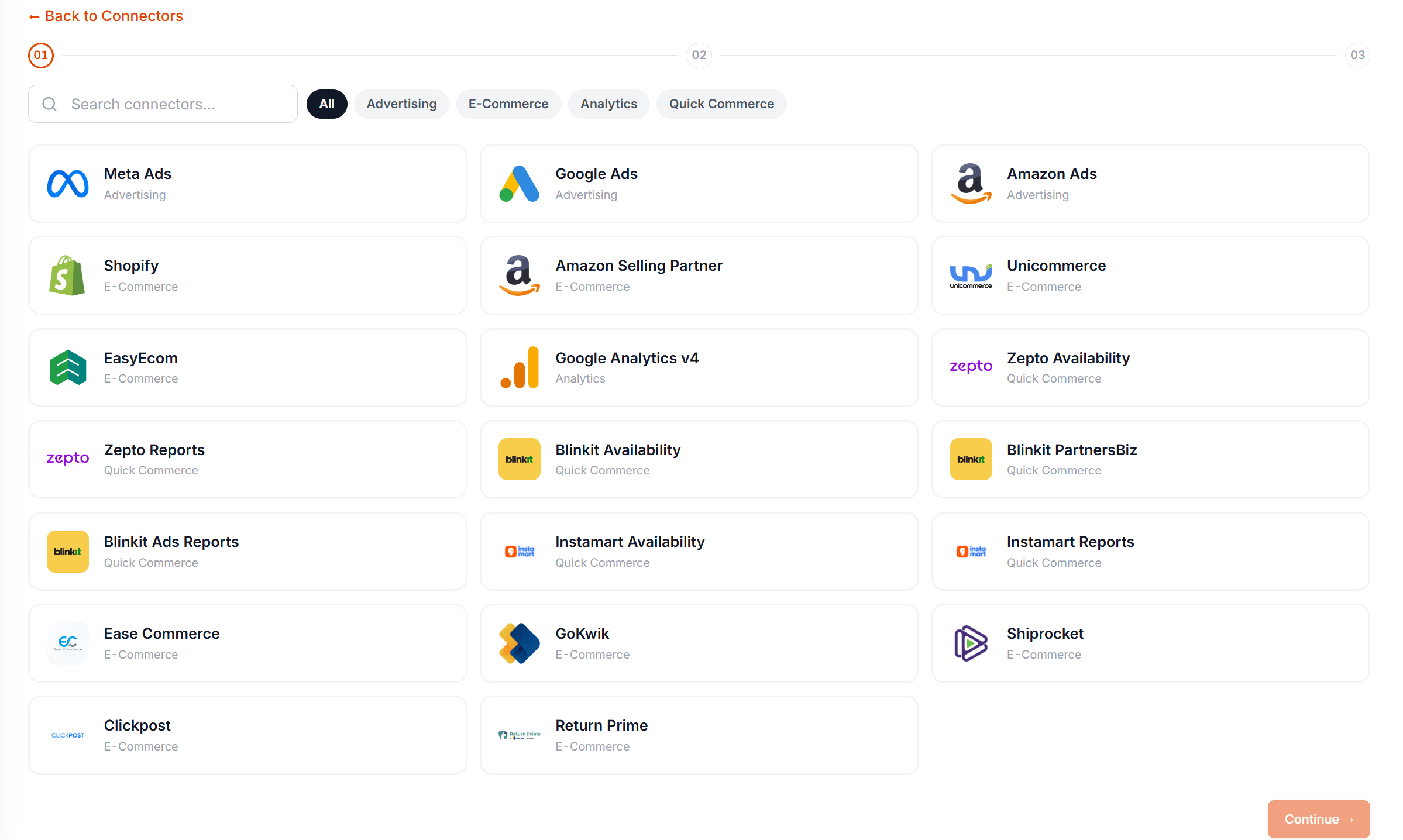
Connector catalogue
Per-platform setup guides live in Connect Your Data. Check with the team for the latest roadmap status before planning around a connector that isn’t live yet.
Where to go next
Choose your path
Pick a reading order based on your role.
Start with the question
Jump to a specific business problem.
Setting up your workspace
Implementation steps — 20 minutes.